
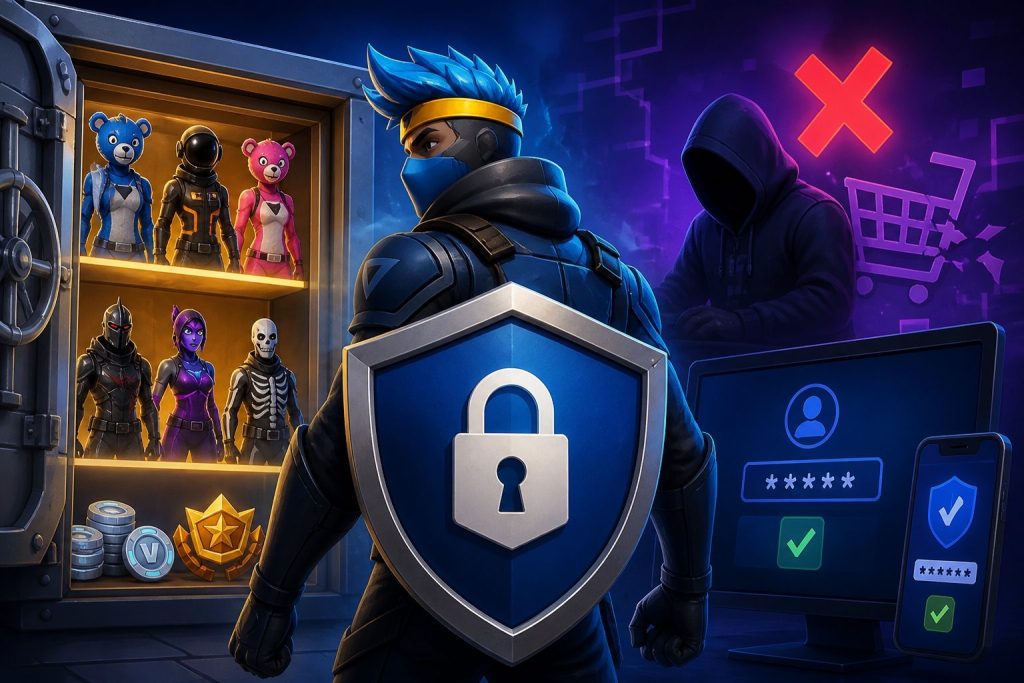
Your Fortnite locker is probably worth more than you think. Years of Battle Passes, collab skins, emotes and that one OG outfit you never take off all live inside a single Epic Games account. If someone gets into it, they can strip the V-Bucks, lock you out and sometimes resell the whole thing to a stranger.
The good news? Most account losses come down to a handful of predictable mistakes. Fix those, learn to spot the usual scams, and your skins are far safer than most.
Why Fortnite Accounts Are Such an Easy Target
Fortnite accounts carry real-world value. Rare cosmetics such as Renegade Raider, Black Knight or Ikonik can't be bought from the Item Shop anymore, so accounts that hold them attract thieves and resellers.
Most players are also young, trusting and busy chasing the next free item. That combination makes "free V-Bucks" links, fake giveaways and Discord trading offers work far more often than they should.
Lock Down Your Epic Account First
Before worrying about scams, make your account hard to break into. Epic's own security guidance boils down to a few habits.
Use a Password You Use Nowhere Else
If your Fortnite password matches your email, Discord or old forum logins, one leak elsewhere can hand over your locker. Use a unique password and let a password manager remember it for you.
Turn On Two-Factor Authentication
Two-factor authentication (2FA) means a stolen password alone won't get anyone in. Epic supports three methods: an authenticator app, SMS and email. The authenticator app is the strongest of the three and the one Epic recommends.
You can switch it on under Password & Security on your Epic account page. As a bonus, enabling 2FA unlocks the Boogie Down emote, and you need 2FA turned on to send gifts at all.
Protect Your Email and Linked Accounts
Your email is the master key, because password resets go there. Give it its own strong password and 2FA. The same goes for any Xbox, PlayStation, Nintendo, Google or Facebook account linked to Epic, since those can be used to sign in too.
Log Out of Shared Devices
Playing at a friend's house, school or an internet café? Don't let the device save your login, and sign out when you're done.
The Most Common Fortnite Scams (and How to Spot Them)
Free V-Bucks Generators
There's no such thing as a V-Bucks generator. These sites either ask for your login details, push you through endless "verification" surveys, or get you to install something nasty. Epic says official offers only appear in the Epic Games Store, in-game or on its verified channels.
Fake Login Pages and Giveaways
A link promising a free skin leads to a page that looks exactly like the Epic sign-in screen. Type your details in and they go straight to the scammer. Epic only asks for your password on its official login pages, never through emails, DMs or third-party sites.
"Epic Support" Impersonators
Scammers pose as Epic staff on Discord, Instagram or TikTok, claiming your account is about to be banned unless you "verify" it. Real support will never ask for your password or 2FA code.
Gifting and Trading Scams
Someone offers to gift you a skin if you pay first through PayPal or gift cards, then disappears. Remember how gifting actually works: the sender needs 2FA, you must have been friends for at least two days, there's a limit of five gifts a day, and gifts can't be refunded. Epic also warns against paying third parties for in-game gifts. If a deal depends on you sending money first, walk away.
Buying an Account? Know the Risks First
Demand for rare cosmetics keeps account marketplaces busy, and players who go looking tobuy fortnite accounts will find listings built around OG skins, V-Bucks balances and specific platforms. Before you spend anything, it helps to be clear-eyed about what you're getting into.
Epic's rules are direct here. Its license agreement says you can't sell, give away, trade or use someone else's Epic Games account, and Epic warns that buying or sharing accounts can lead to restrictions or bans. For competitive players the stakes are higher still. Epic has said accounts that were purchased or transferred can be disabled along with their cosmetics if used in tournaments, with any leftover V-Bucks lost.
The other big risk is the original owner. Whoever created the account may still control the original email or purchase history, and some sellers use that to reclaim an account after it's sold. That "recovery scam" is one of the most common ways buyers lose both the account and their money.
If you still decide to go ahead, these checks cut down the risk:
- Stick to marketplaces with on-platform payment and messaging. Never move the deal to DMs or pay with gift cards, crypto or "friends and family" transfers.
- Ask exactly what access is included. A listing that doesn't hand over the linked email gives the seller a way back in.
- Secure everything immediately. Change the email, set a new password and add your own authenticator-app 2FA the moment you log in.
- Read the platform's support and refund terms before paying, and keep screenshots of the listing and chat.
- Skip competitive play on any account you didn't create, since that's where Epic is strictest.
What to Do If Your Account Gets Hacked
Move fast. The first hour matters.
- Secure your email first. Change its password and check that no forwarding rules or recovery addresses were added.
- Reset your Epic password and turn on 2FA if it isn't already active.
- Review linked accounts and purchase history on your Epic account page for anything you didn't do.
- Contact Epic Player Support through the official help site if you can't get back in. Have your original email, purchase receipts and platform details ready to prove ownership.
- Warn your friends. Hijacked accounts are often used to send scam links to everyone on the friends list.
Keep Your Locker Yours
Fortnite account security isn't complicated. A unique password, an authenticator app and a healthy suspicion of anything "free" stop the vast majority of attacks. Treat unexpected DMs, too-good-to-be-true gifts and off-platform deals as red flags, and your skins should stay exactly where they belong: in your locker.